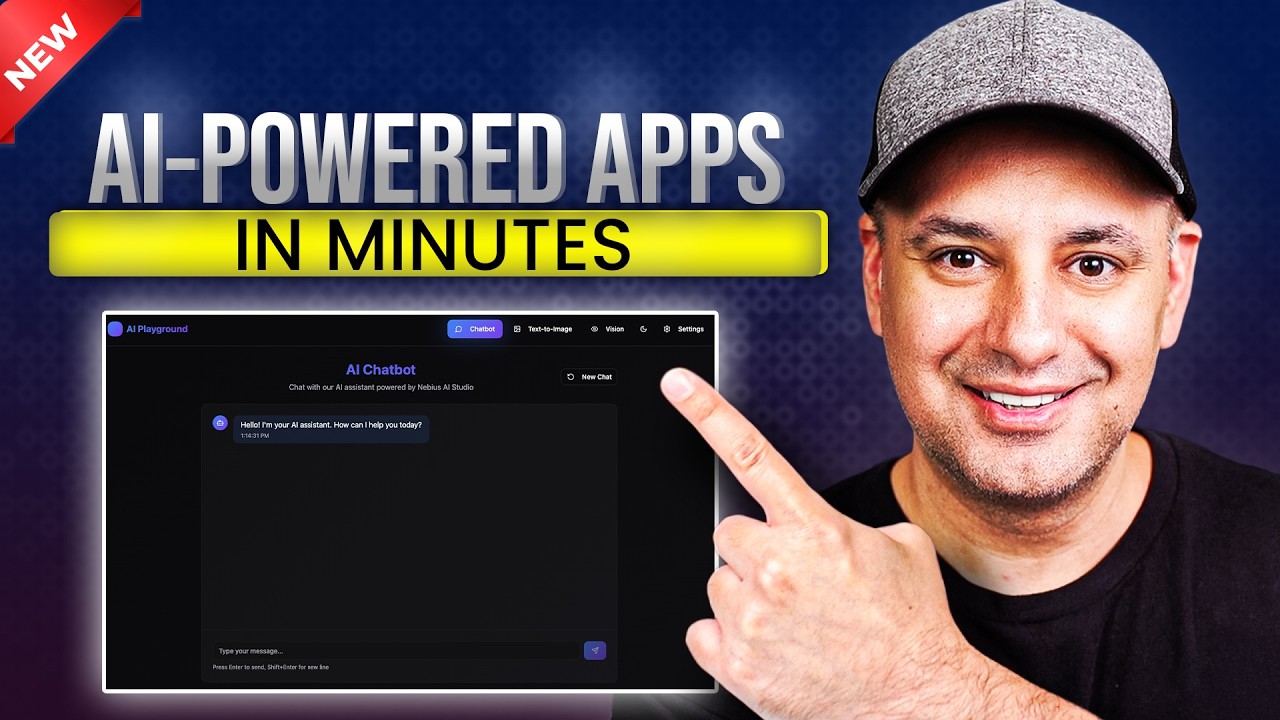
Build your own AI-Powered App with Nebius AI studio:
I go step by step to show how I built an AI-powered app using top open-source models. I made it super simple, even if you’re not technical. This app has a chatbot, a text-to-image model, and a vision model that can look at images and describe them. Normally, building something like this would take weeks and a lot of coding, but I did it in under an hour using Nebius AI Studio and Lovable.
I show how to get your API key, keep it secure with a backend, and connect everything together using Lovable’s chat tool. You’ll see how I test each part of the app—chat, image generation, and image analysis—and how I add a setup page to choose models and add system prompts.
This helps me build powerful AI tools fast without needing to worry about servers or writing a ton of code. If you’ve got an idea and want to launch it quickly, this is a great way to do it.
The Challenge of Building AI Apps
Creating AI-powered applications has traditionally been a highly technical and expensive process. Between server setup, coding, and infrastructure costs, most people found it overwhelming — especially for small projects or early prototypes.
But thanks to new platforms and open-source tools, it’s now possible to build complex AI apps in under an hour — without deep programming knowledge.
In this article, I’ll show you how to create your own AI playground app featuring:
- A custom chatbot
- A text-to-image generator
- An AI vision model that can analyze images
All of this will be powered by Nebius AI Studio, an innovative platform that makes the world’s best open-source models instantly usable.
Why Nebius AI Studio Changes Everything
Nebius AI Studio is a platform that allows you to connect to state-of-the-art open-source models with a single API key.
Instead of spending weeks managing servers or dealing with scaling issues, you can focus entirely on your frontend experience — while Nebius handles the heavy lifting behind the scenes.
Key Benefits:
- Access powerful open-source models from companies like OpenAI.
- Get started in minutes — no server management required.
- Scale your app effortlessly as it grows.
- Pay a fraction of the cost compared to closed-source models.
To get started, you’ll only need to generate one API key inside Nebius AI Studio. With it, you can access all available AI models — text, image, and vision — directly inside your application.
Step 1: Designing the App Frontend with Lovable
To quickly design and assemble the app interface, we’ll use a tool called Lovable.
Lovable allows you to describe your idea in plain English — and it automatically generates a working app prototype.
For this project, we’ll ask Lovable to create:
- A Chatbot page (for text-based AI interactions)
- A Text-to-Image page (to generate pictures from prompts)
- A Vision AI page (to analyze and describe images)
After a few minutes, Lovable will automatically generate a fully functional interface for all three features.
💡 Tip: If you’re a developer, you can also use alternatives like Replit or code your frontend manually. Lovable just makes it faster and visual.
Step 2: Connecting the Backend Using Supabase
Next, we need a backend to securely store our API key.
Never expose your Nebius API key in frontend code — users can easily view it in their browser.
Inside Lovable:
- Connect your project to Supabase, a simple backend service.
- Store your API key securely in the database.
- Connect the Supabase backend to your AI Studio account.
Now your AI key is hidden safely, and you can access it securely within your app.
Step 3: Linking AI Studio Models to Your App
Once your backend is connected, it’s time to power your app with real AI.
Using Lovable’s chat feature, simply instruct it to:
“Connect the chatbot, text-to-image, and vision models from AI Studio.”
Lovable will automatically:
- Add the necessary model endpoints.
- Configure secure access using your stored API key.
- Generate a complete implementation plan.
When it’s done, your app will now be fully AI-powered — ready to generate text, images, and image analysis results instantly.
Step 4: Testing the App
Now, let’s test your new AI Playground.
- Chatbot: Ask a question like, “Help me draft a professional email.”
The app uses GPT-OSS 12B, an open-source model by OpenAI that performs similarly to GPT-5 — but at a fraction of the cost. - Text-to-Image Model:
Type a prompt such as “a kitten sitting on a kitchen counter” and generate an image in seconds. - Vision Model:
Upload an image and watch the AI describe it accurately using natural language.
⚡ The entire process happens in real-time — fast, efficient, and server-free.
Step 5: Customizing the App with System Prompts
To improve responses, you can add system prompts — hidden instructions that guide how your chatbot behaves.
For example:
You are a helpful AI assistant. Always respond in plain text without using markdown or special characters.
These instructions define the chatbot’s tone, style, and formatting rules.
You can also add a setup page in Lovable to easily switch between different models or modify prompts without editing code.
Step 6: Adding More Features
Enhance the user experience with small but powerful features:
- New Chat Button: Start fresh conversations anytime.
- Light & Dark Mode: Toggle themes with one click.
- Admin Panel: Use Supabase authentication to lock setup settings behind a password.
Lovable handles these additions easily — just describe what you want, and it updates your app automatically.
Step 7: Publishing Your AI App
When everything is ready:
- Click Publish in Lovable.
- Run the security review to ensure your API keys and backend are safe.
- Get your public share link or connect your custom domain.
Your AI-powered app is now live and ready for users!
Conclusion: The Future of No-Code AI Development
Thanks to platforms like Nebius AI Studio and Lovable, anyone — even without coding skills — can now build professional AI applications in record time.
What once required weeks of setup and expensive infrastructure can now be done in under an hour, entirely online.
🚀 In short:
Build smarter, faster, and cheaper.
Use open-source models.
Focus on creativity, not complexity.
If you’re ready to create your own AI app, try Nebius AI Studio today — and experience the future of no-code AI development.